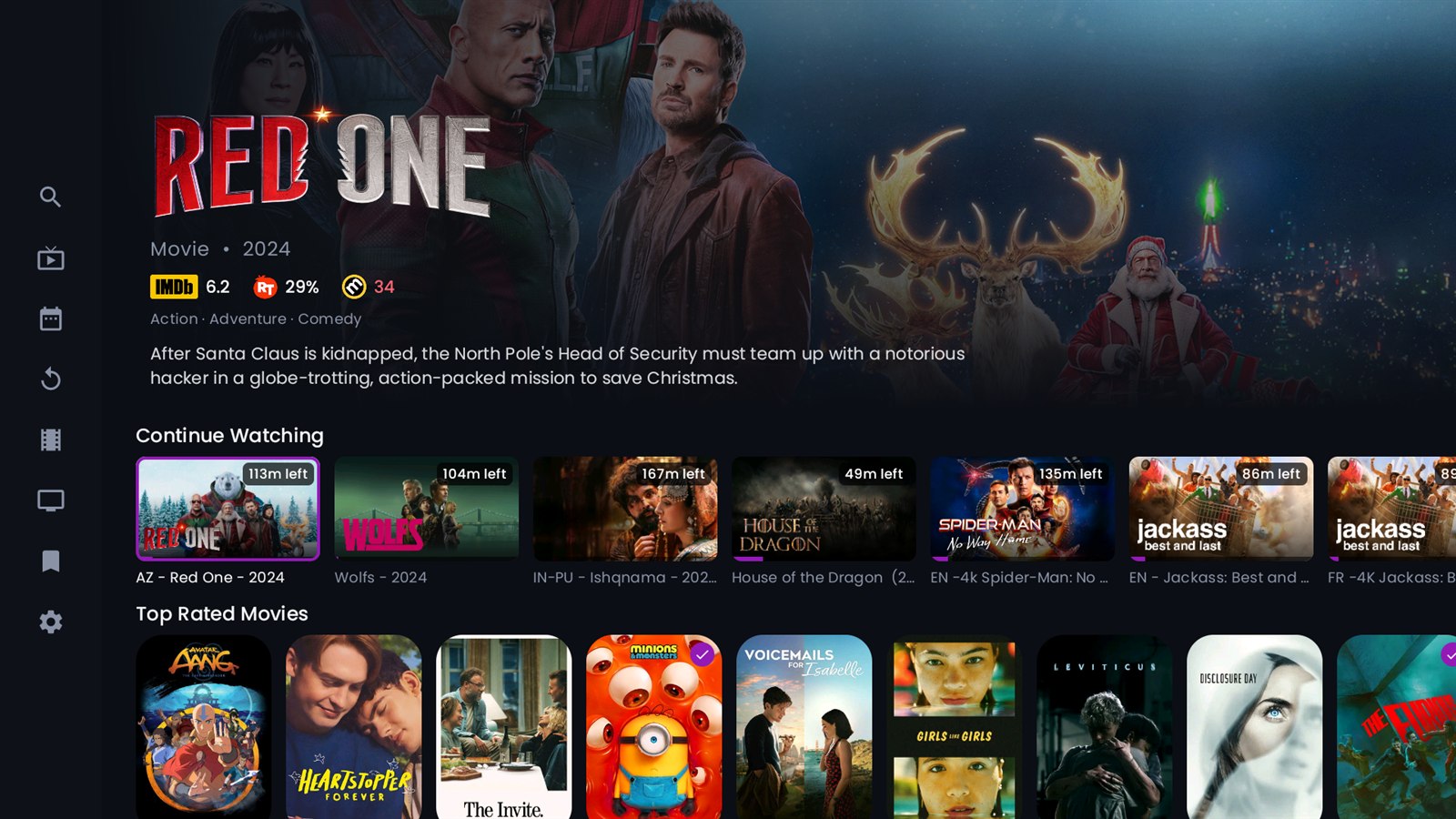
You open TiviMate or Smarters, go to the TV guide, and half your channels say
“No information”. The stream works fine, but there’s no programme, no title and no logo. It’s one of the most common IPTV complaints, and it’s rarely your player’s fault.
The real reason: channel names don’t match
An EPG (Electronic Programme Guide) is an XMLTV file that lists programmes for each channel. Your player has to connect each channel in your playlist to a channel in that file, and it does that by
name or
tvg-id.
That’s where things break. Most free EPGs use technical names like:
BBC.One.HD.ukbeinsports1.qaTF1.fr
Your IPTV playlist, though, uses the provider’s own names:
UK: BBC ONE ᴴᴰ ◉AR: BEIN SPORTS 1 ᴿᴬᵂ|FR| TF1 HEVC
To you they’re obviously the same channels. To your player they’re completely different, so it leaves them empty. With a big list of 20,000 to 50,000 channels, a generic EPG often fills only 20–40% of them.
Why manual fixes don’t really work
You can map channels by hand in some players, but:
- big lists have thousands of channels;
- providers rename channels and add new ones all the time;
- every time the list changes, your manual work breaks.
The fix: an EPG built for your provider’s exact channel list
The clean solution is a guide that’s
made from your provider’s channel list, using the exact same names, so your player matches everything automatically.
That’s what
EPG Full does. It reads your provider’s current channel list every hour and builds an XMLTV guide whose names match it, with clean logos. On the providers it supports,
72–80% of channels get a full programme guide or an event label. The site shows the live numbers for each provider.
It also handles the tricky cases:
- PPV and event channels show the event name instead of staying empty.
- +6H timeshift channels are shifted to the right time.
- beIN SPORTS MENA uses the official schedule, and Arabic and Moroccan channels (MBC, Rotana, Al Aoula, 2M…) are covered.
Set it up in 2 minutes
- Start the free 2-day trial on epg-full.com and choose your provider.
- Copy your personal EPG link from your panel.
- Paste it into your player as an EPG source, then refresh.
Your channels fill in within a minute. If you have a slow TV box, use the smaller EU or World file, or build a
custom guide with only the categories you watch.